From this release on, you see how your Microsoft 365 environment is doing live in your portal. New are a live dashboard, reports with PDF export, an MFA posture view, an improved per-theme overview, verdicts you can confirm or override yourself, and validation of fixes you applied yourself. IVON now also investigates signals from Microsoft Entra ID Protection. For partners, the new Partner Portal is now feature complete.
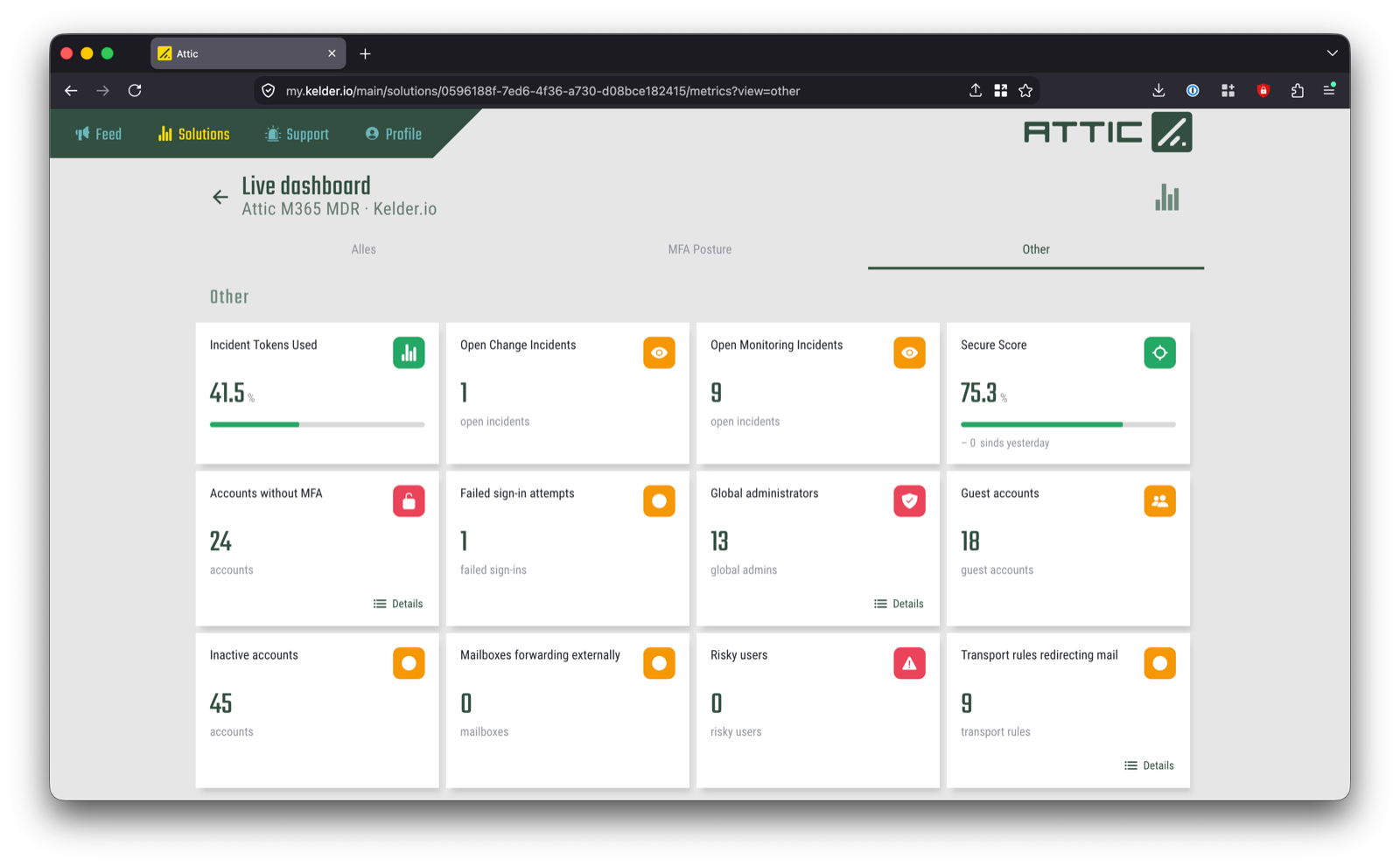
A live dashboard
Your portal now has a live dashboard with the key figures for your environment. You see the current state without requesting a report or waiting for the end of the month.
Reports in your portal, also as PDF
Your reports are in the portal. Read them in the browser or download them as PDF, to pass on to management, your accountant or an auditor.
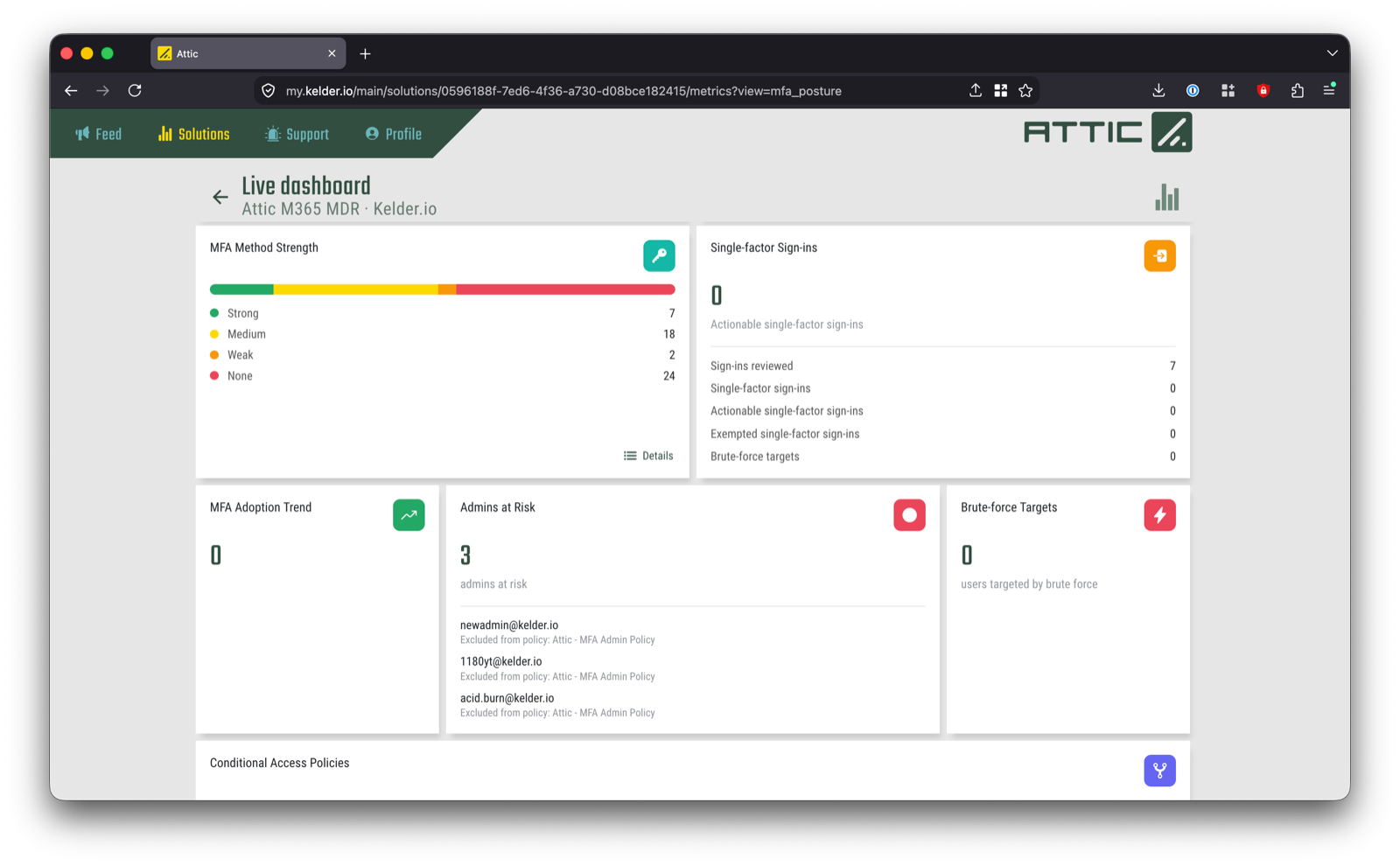
MFA posture
With MFA, the difference is usually in the exceptions: that one account without it, that one method that is too weak. The new MFA posture view shows how MFA is set up in your environment, and where it is not yet.
A clearer view per theme
Attic works through your configuration theme by theme. The per-theme overview has been improved, so you see faster where you stand and what is still open.
IVON now also investigates signals from Entra ID Protection
Microsoft Entra ID Protection flags risk around sign-ins and accounts, such as a sign-in with leaked credentials or from an unlikely location. Where that feature is active in your environment, such a signal now also puts IVON to work. A valuable source, because a compromised account is one you want to spot as early as possible.

That makes three sources that start an investigation by IVON: Defender XDR, Microsoft Sentinel and Entra ID Protection. During the investigation, IVON uses those same three sources to make sense of the signal. Whether Entra ID Protection is active in your environment depends on your Microsoft licence.
Verdicts
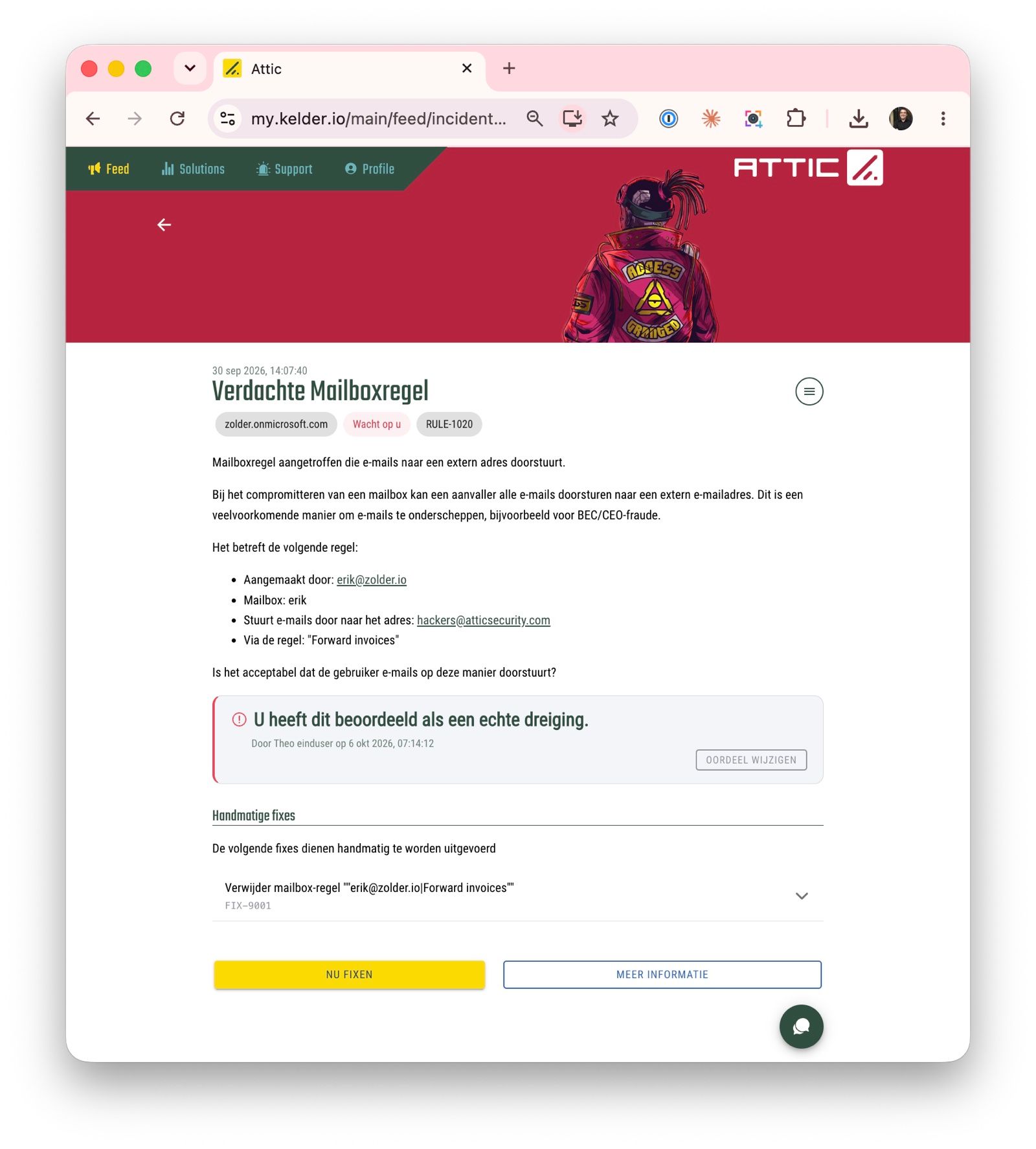
A verdict from IVON or from a monitoring alert can be uncertain and then needs your confirmation. In those cases, or whenever you want to override a verdict, you can now do so from the incident page.
Manually fixed something? Have it validated
Not every fix goes through Attic. If you changed a setting yourself, you can now have that change validated from the portal. That way you know the change does what it should.
What Attic MDR includes, from continuous hardening to 24/7 detection and response, is on Agentic MDR for Microsoft 365.
For partners
IVON now also picks up triggers from Entra ID Protection, alongside Defender XDR and Microsoft Sentinel, in tenants where that feature is active. In the new Partner Portal, handling multiple fixes within a single incident is clearer, monitoring tasks get a verdict, and you put a known benign action on an exception list with a single click. Auto-approval is now configured per fix. The MFA posture management dashboard is there per customer, and reports export to PDF.
With this release the new Partner Portal is feature complete. It currently runs at partner-beta.atticsecurity.com; with the November release we will switch them around and make the new portal the main version.
More on working with Attic as an MSP: Attic for MSPs.
Not a customer yet?
Try Attic MDR free for 14 days and see in your own portal how your Microsoft 365 environment is doing: start your trial.
Previous release: Attic Release Notes 2026.9.0.